
ProtoPOS Call (708) 589-4424
COIN POS logo
COIN POS · Restaurant systems

Keep the whole shift connected.

COIN POS brings orders, kitchen tickets, digital channels, and business reporting into one restaurant system. ProtoPOS can help you explore a setup for the way your team serves.

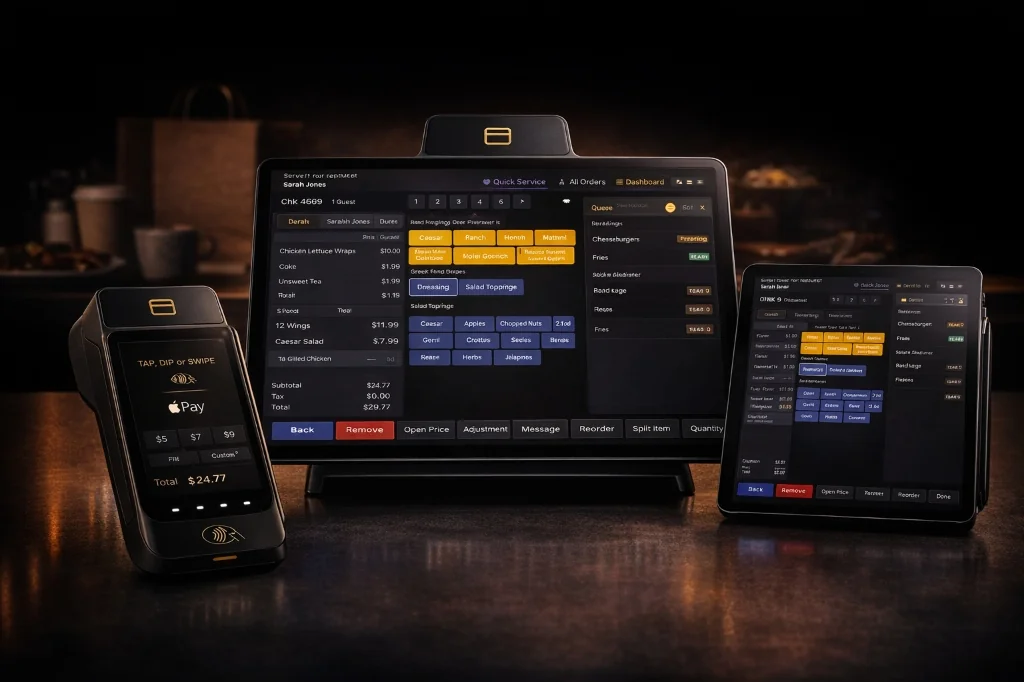
COIN POS counter terminal, handheld payment device, and tablet
COIN POS counter, handheld, and tablet options
Service styles COIN supports
  • Quick service
  • Cafés
  • Food trucks
  • Delis
  • Ice cream shops
  • Pizzerias
  • Bakeries
  • Bars
COIN in service

See the system on the floor.

Take a look at COIN’s restaurant footage, then explore the ordering, kitchen, and reporting tools below.

The COIN system

One flow across the restaurant.

COIN connects guest orders, prep stations, digital channels, and owner reporting. The tools below describe the capabilities COIN publishes for its restaurant POS.

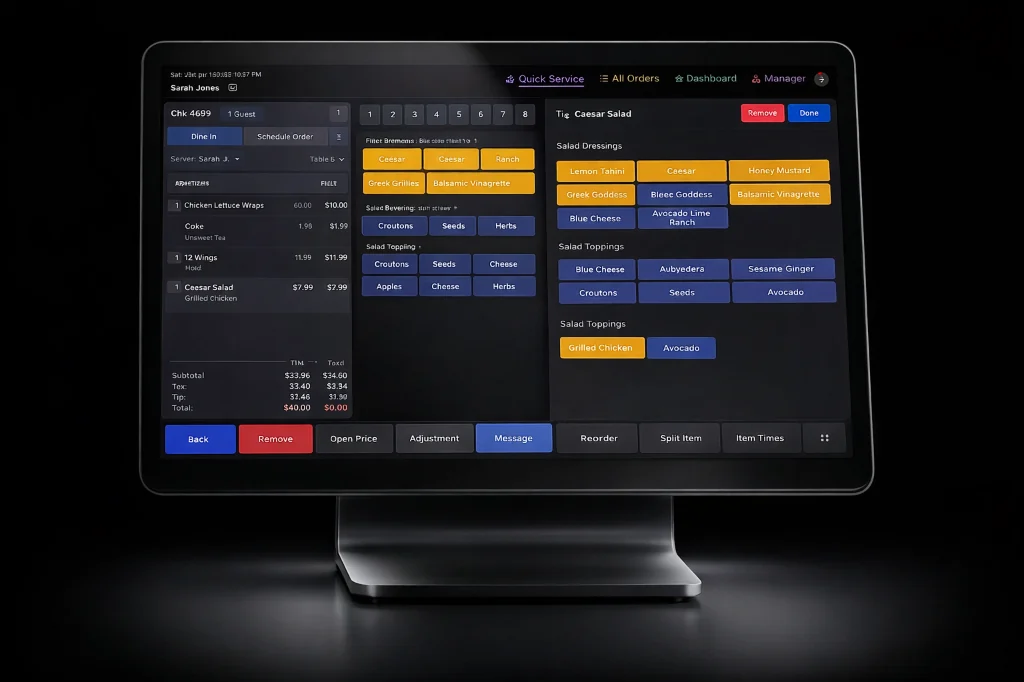
COIN POS terminal with a restaurant order and modifier screen
01 / FRONT OF HOUSE

Take and close orders

Use counter, table, or curbside workflows with detailed menu choices and flexible payment.

  • Modifiers, custom items, and voids
  • Table maps, courses, and check splits by seat or item
  • Tap, chip, contactless, gift, and split tender options
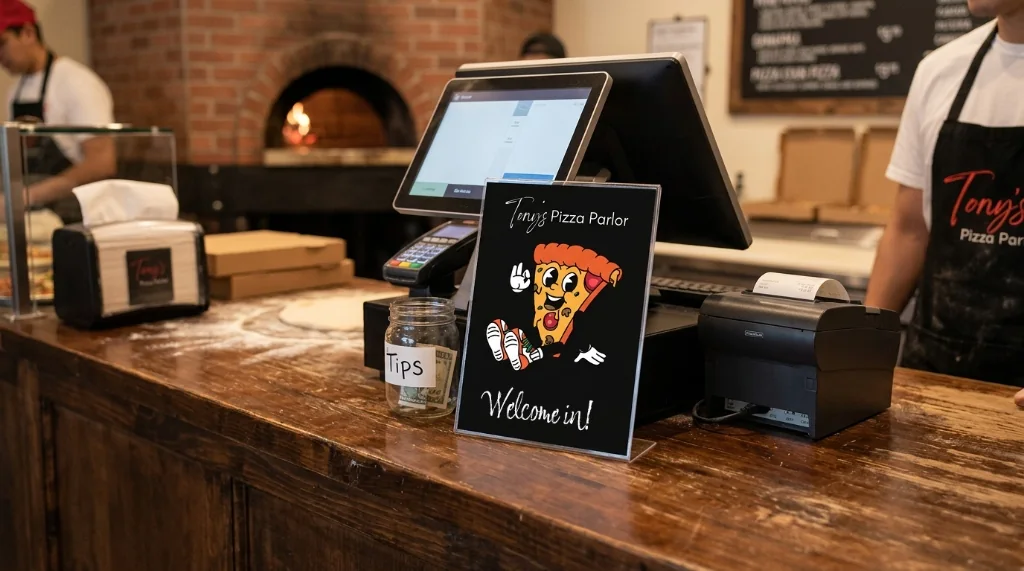
Pizzeria counter with a COIN POS station, customer display, and oven
02 / KITCHEN & EXPO

Send tickets to the right station

The kitchen display keeps prep and expo teams aligned as orders arrive.

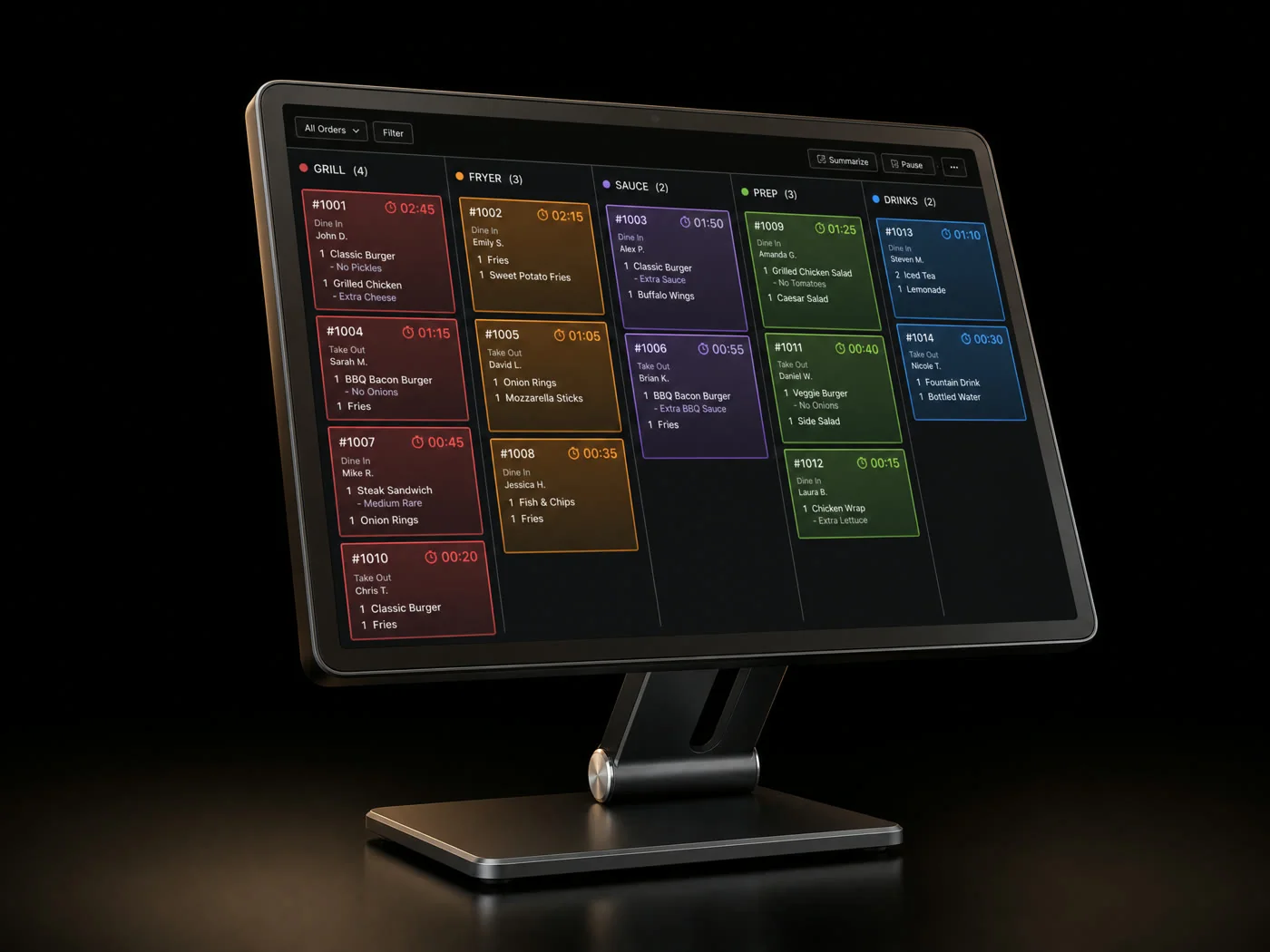
  • Routing for stations such as grill, fryer, and bar
  • Ticket timing, ready alerts, bump controls, and recall
  • Order and ticket flow designed to continue through a connection drop
03 / ONLINE & DELIVERY

Bring every channel into view

Digital ordering can join the same kitchen workflow as orders taken in person.

  • Restaurant-branded online ordering
  • Mobile order-ahead and pickup timing
  • Supported delivery feeds into kitchen tickets
04 / OWNER TOOLS

See the numbers behind service

Managers can follow current activity and use more detailed data to plan ahead.

  • Live sales and labor cost views
  • Item-level margins and contribution
  • Prep forecasts based on demand trends
Service in motion

A busy room, a connected kitchen.

COIN’s restaurant footage brings the pace of service into view. Its kitchen tools route tickets by station and keep timing visible to the team.

Built for different kitchens

Match the system to your service.

COIN presents configurations for busy counters, portable service, and menus with plenty of options. ProtoPOS can help narrow down what your restaurant needs.

Pizzeria counter with a COIN POS station

Quick service

Fast counter checkout connected with a kitchen display for high-volume order flow.

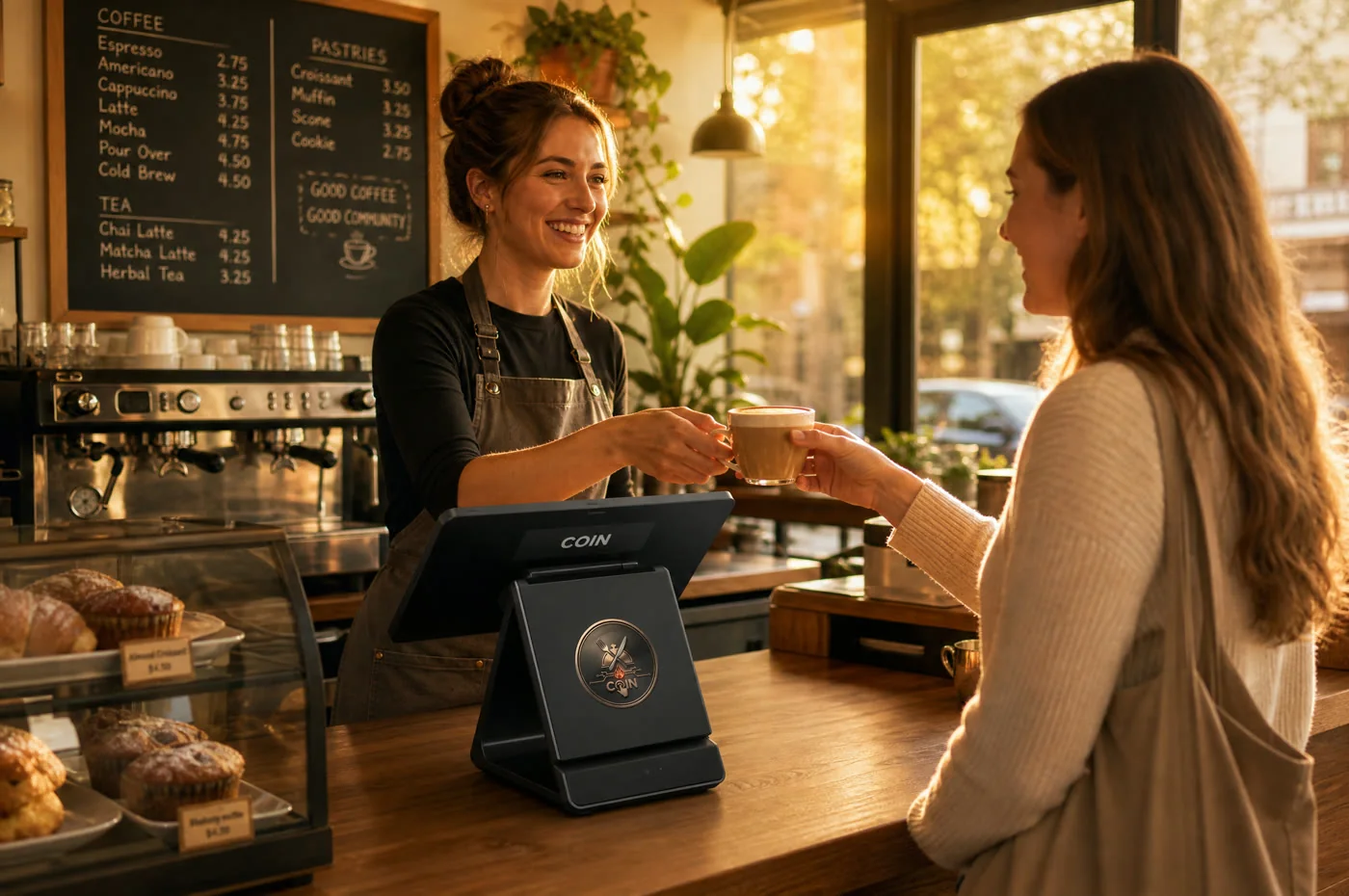
Barista handing a latte to a guest at a café counter with a COIN terminal

Cafés

Counter orders, timed pickup, loyalty, tabs, tips, and split checks.

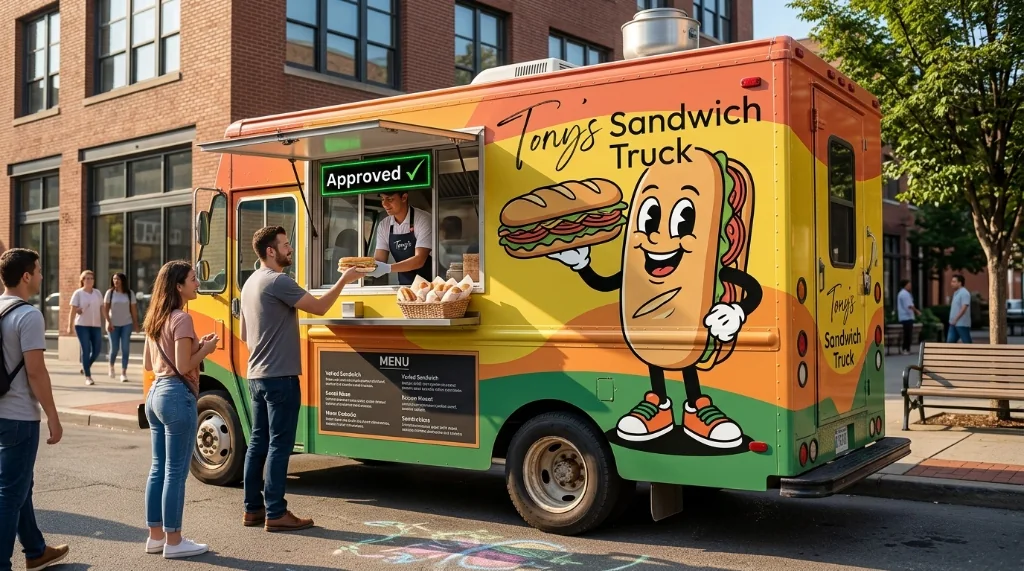
Yellow food truck serving customers at its window

Food trucks

Portable devices, handheld payments, and offline-capable service for a changing location.

Ice cream shops

Build orders with sizes, scoops, toppings, and other customizations.

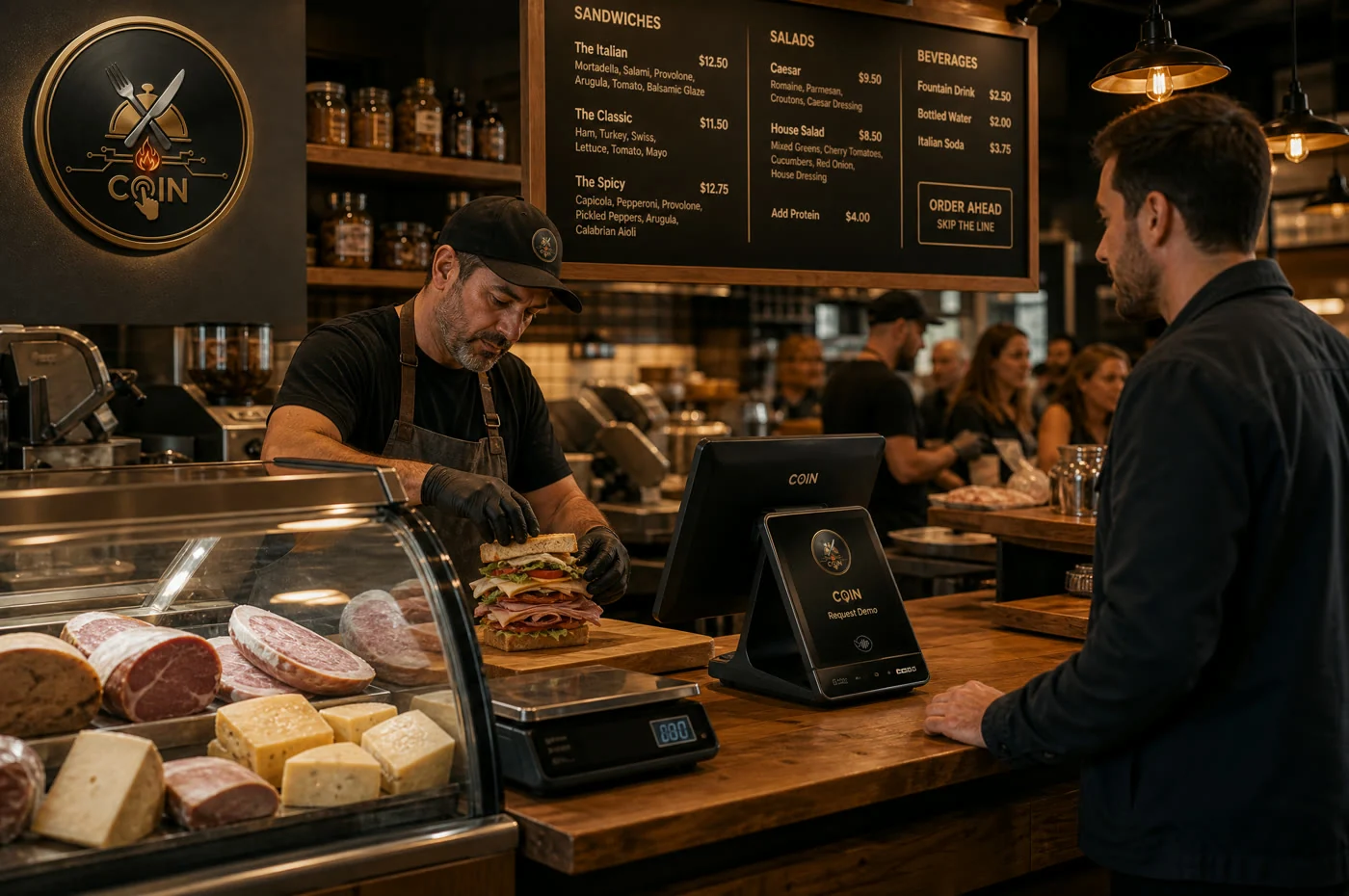
Deli worker preparing a sandwich beside a scale and COIN terminal

Delis

Detailed sandwich builds, scale-related workflows, and quick routing to the kitchen.

Also listed by COIN: pizzerias, bakeries, ghost kitchens, bars, and full-service dining.

During and after the rush

Keep working and keep track.

The system is designed to keep orders moving during network interruptions while giving owners a clearer view of performance.

Offline modeCOIN says order and ticket activity continues during an internet drop and syncs once service returns. Ask us about payment behavior for your setup.
Live viewFollow sales and labor costs during the shift.
Menu insightReview item-level margins and contribution, then use demand trends to inform prep.
Guest toolsCOIN lists loyalty, stored value, and gift features alongside its ordering options.
Connected tools

Bring the services you use together.

COIN lists connections across payments, delivery, and back-office software. We can check the current integration options for the configuration you choose.

Payments

Processor options COIN names for its platform.

  • Stripe
  • Square
  • Adyen

Delivery

Supported marketplaces and ordering feeds can send tickets toward the kitchen.

  • DoorDash
  • Uber Eats
  • Grubhub

Back office

COIN also shows accounting, payroll, and marketing connections.

  • QuickBooks
  • Xero
  • Gusto
  • ADP
  • Mailchimp

COIN also mentions Worldpay and ChowNow in its product details. Integration availability and terms depend on the selected plan, provider, and current product support.

A setup for your space

Hardware that fits the line.

Explore a counter station, mobile options, and a kitchen display with ProtoPOS. We can discuss the pieces that suit your space and service model.

  • Counter terminalOrder entry and checkout at the front counter.
  • Handheld & tabletTake the system to the guest or wherever the line forms.
  • Kitchen displayKeep station tickets visible through prep and expo.
Explore COIN hardware →
COIN POS kitchen display showing tickets arranged by station
COIN POS kitchen display
At checkout

Payment where guests are ready.

COIN supports handheld and counter payment options. Talk with us about the devices and methods that fit your service.

Getting started

Plan the rollout around your restaurant.

COIN describes an implementation process that starts with your menu and stations, continues with staff training, and then tunes reporting after launch. We can discuss the process and current timeline for your location.

01 / CONFIGURE

Map the operation

Review the menu, modifiers, floor plan, kitchen stations, payments, and hardware placement.

02 / TRAIN

Prepare the team

Walk front-of-house and kitchen staff through their workflows and opening service.

03 / REFINE

Use the data

Set up owner views for the figures you follow and review how the system is working after launch.

Plans and support

A quote based on your operation.

COIN describes tailored pricing instead of a single public package price. Tell us your menu, order volume, locations, and preferred hardware, and ProtoPOS can discuss current terms.

What COIN advertises

  • POS software and its published feature set
  • Two terminals in its plan, with lease or purchase options
  • A dedicated implementation contact
  • 24/7 phone and chat support from COIN
  • Year-one hardware replacement coverage

COIN also advertises interchange-plus-zero processing. Availability, equipment quantities, fees, support, and replacement terms should be verified in your specific quote.

Common questions

The details worth discussing.

COIN publishes these options and service descriptions. ProtoPOS can confirm what is available and included in your proposal.

Can COIN run when the internet is down?

COIN describes offline-capable order and ticket workflows that sync after reconnecting. Payment behavior may depend on your processor and configuration, so ask us to review that part with you.

Can we keep our delivery channels?

COIN lists DoorDash, Uber Eats, Grubhub, and ChowNow, plus its own branded online ordering. We can check your specific services and how tickets would enter the kitchen.

What payment methods and processors are available?

The platform lists tap, chip, contactless, gift, and split tender. COIN names Stripe, Square, Adyen, and Worldpay as processor options. We can confirm compatibility and rates in a current quote.

Can we buy or lease the hardware?

COIN advertises both purchase and lease options. The counter terminal, handheld device, and kitchen display are covered on our hardware page.

How are setup and training handled?

COIN describes menu import, station mapping, configured hardware, and training for front-of-house and kitchen teams. Timing depends on the menu and equipment required; ProtoPOS can walk through a plan for your site.

What about payment security?

COIN lists PCI P2PE and PCI PTS 6.x for its handheld payment device. We can review current certification documentation and processor requirements as part of the setup discussion.

What does pricing and support include?

COIN describes custom quotes and advertises 24/7 phone and chat support. Pricing, processing, equipment, replacement terms, and service coverage should be confirmed in the proposal we prepare for you.

From prep to pickup

Built around the people on the line.

Service starts with a team and a menu. ProtoPOS can help you see where COIN’s ordering and kitchen tools fit into that work.

Talk with ProtoPOS

See how COIN could fit your restaurant.

Tell us about your menu, order flow, and kitchen setup. We’ll help you explore the right configuration.